
IQOS TEREA Blog
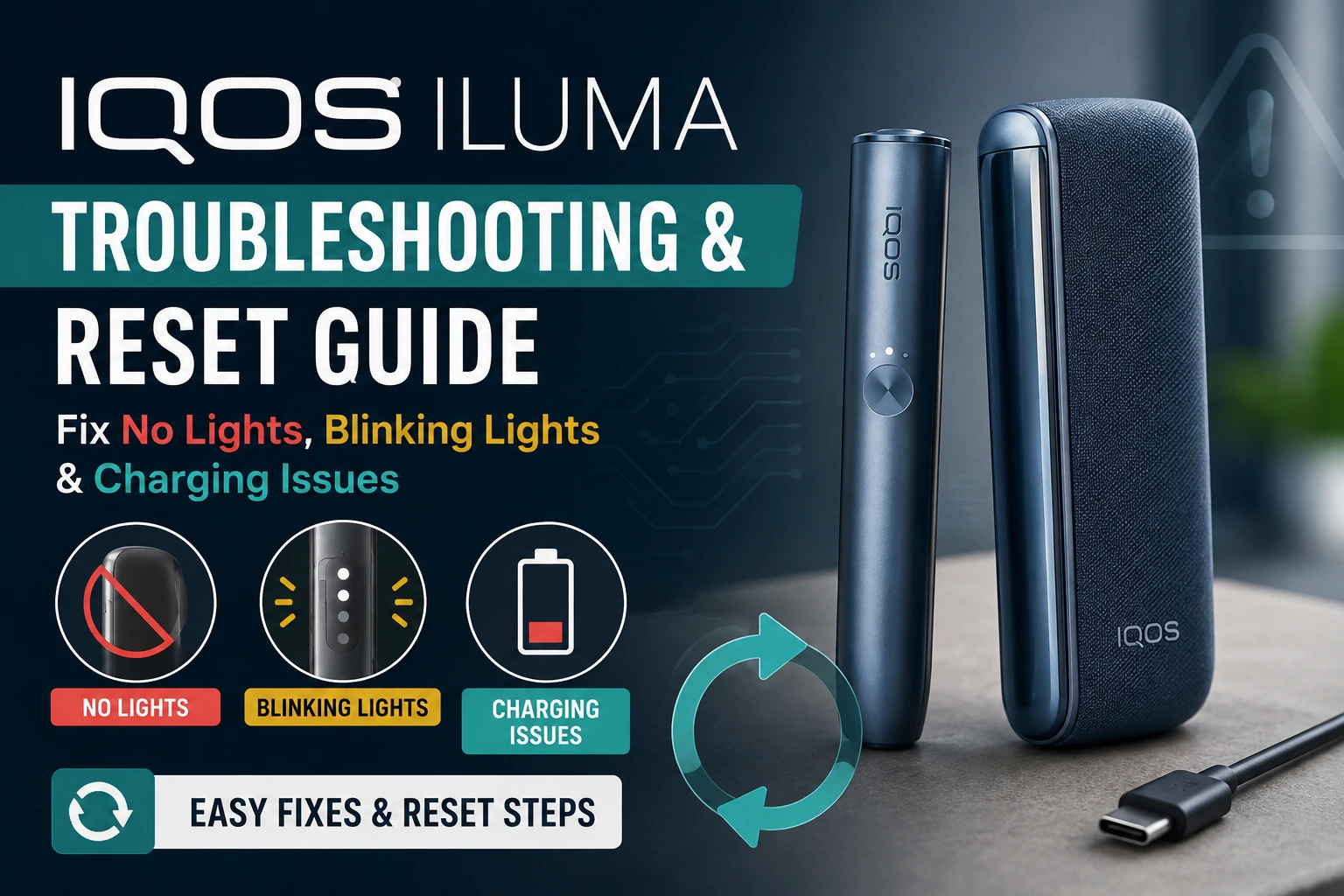
IQOS ILUMA Troubleshooting & Reset Guide: Fix No Lights, Blinking Lights & Charging Issues

Why Is My IQOS ILUMA Not Working and How Do I Fix It?
Quick Answer: If your IQOS ILUMA won’t turn on, charge it for at least 90 minutes first, then hold the front button for 15 seconds. If it still won’t respond, factory-reset it by pressing the button 10 times within 3 seconds until the light blinks green. This fixes over 80% of no-light, blinking-light, and charging issues without needing a replacement.
In This Guide
Why Is My IQOS ILUMA Not Turning On? (No Lights Fix)
An IQOS ILUMA showing no lights at all is almost always a power issue, not a hardware fault. The device holder has a small internal battery separate from the charger case, and if it drops to zero, the button won’t respond even when plugged in.
- Plug the holder into its charger or a USB-C cable and let it charge undisturbed for 90 minutes.
- Press and hold the button for 15 seconds — a green light confirms it has powered back on.
- Switch to a different cable and wall adapter; ILUMA is sensitive to low-output chargers below 5V/1A.
- Wipe the charging contacts inside the holder with a dry cotton bud — dust here is a common cause of “dead” devices.
If none of these work after a full charge cycle, move to the reset steps below before assuming the device is faulty.
What Do the Blinking Lights on IQOS ILUMA Mean?
ILUMA communicates status entirely through light colour and pattern. Here’s what each one means:
| Light Pattern | Meaning | What To Do |
|---|---|---|
| ⚪ Solid white | Ready to use | No action needed |
| ⚪ Pulsing white | Heating in progress | Wait ~20 seconds |
| ???? Blinking red (4×) | General device error | Reset the device |
| ???? Slow orange pulse | Cleaning required | See cleaning section |
| ???? Blinking green | Factory reset complete | Ready to pair/use |
| ⚫ No light at all | Battery depleted or off | Charge for 90 minutes |
How to Reset IQOS ILUMA Prime, One, Standard & i Series
A factory reset clears the device’s internal error state without deleting anything important, since ILUMA holders don’t store personal data. The steps are the same across the range but the button location differs slightly by model.
Reset ILUMA Prime / i Prime
- Ensure the holder is at least 30% charged.
- Press the front button 10 times within 3 seconds.
- Hold on the 10th press until the light blinks green, then release.
Browse ILUMA Prime · ILUMA i Prime
Reset ILUMA One / i One
- Plug the device into a charger — it must reset while connected to power.
- Press the button 10 times within 3 seconds.
- Hold until a green flash, then charge fully before use.
Browse ILUMA One · ILUMA i One
Reset ILUMA Standard / i Standard
- Remove the holder from the pocket charger.
- Press the button 10 consecutive times within 3 seconds.
- A green blink confirms the reset was successful.
Browse ILUMA Standard · ILUMA i Standard
Still not working after a reset? A genuine replacement device usually solves it faster than repeated troubleshooting.
Shop IQOS ILUMA Devices in Dubai
IQOS ILUMA Not Charging: Common Causes
If the holder shows no light even after being on the charger for over an hour, check these four things in order: the charging pins inside the holder for tobacco residue, the cable for visible damage, the wall adapter’s output rating (needs 5V/1A minimum), and whether the pocket charger itself needs its own recharge via USB-C. Most “won’t charge” cases are a dirty contact point, not a dead battery.
TEREA Stick Won’t Insert or Is Stuck in the Holder
If a TEREA stick feels hard to insert or gets stuck in the heating chamber, don’t force it — this can bend the internal blade and cause permanent damage. Let the device cool for two minutes, then gently rotate the stick as you pull it out. Always use genuine TEREA sticks matched to your ILUMA model; sticks left in humid or hot conditions can swell slightly and jam more easily. If the chamber still won’t accept a fresh stick after removing the jammed one, run a full reset before trying again. Browse the current IQOS TEREA flavour range for fresh stock.
IQOS ILUMA Cleaning Light Won’t Turn Off
The orange cleaning indicator appears automatically after roughly every 20 uses and stays on until you run the built-in cleaning cycle: hold the button for 8 seconds until it flashes, then let the device complete its self-clean without interrupting it. Never use water or alcohol on the internals — a dry cleaning brush and the device’s own cycle are the only maintenance IQOS ILUMA needs. For fresh sticks to use afterward, see the full IQOS TEREA Dubai flavour range.
☀️ IQOS ILUMA and UAE Heat: What to Know
Dubai and UAE summer temperatures can push IQOS ILUMA outside its safe operating range, which is a common local cause of shutdowns, slow heating, or error lights that don’t show up in troubleshooting guides written for cooler climates. Leaving the device on a car dashboard, in direct sun, or in a hot bag for extended periods can trigger the built-in overheat protection, causing it to pause or shut down until it cools.
To avoid this in UAE conditions:
- Never leave the holder or pocket charger in a parked car, even for a short stop.
- Keep the device in a bag or pocket rather than direct sunlight when outdoors.
- If it shuts off from heat, let it rest in an air-conditioned space for 15–20 minutes before trying to use or reset it.
- Avoid charging the device immediately after it’s been hot — let it reach room temperature first.
Most heat-related shutdowns resolve on their own once the device cools and don’t require a factory reset.
When to Contact Support or Replace the Device
If your ILUMA still won’t power on, charge, or clear its error light after a full charge cycle and factory reset, the internal battery or heating chamber is likely the fault — this isn’t user-fixable.
Contact Support Shop Replacements
2 thoughts on “IQOS ILUMA Troubleshooting & Reset Guide: Fix No Lights, Blinking Lights & Charging Issues”