
IQOS TEREA Blog
IQOS Holder Problems: Causes and Fixes for ILUMA

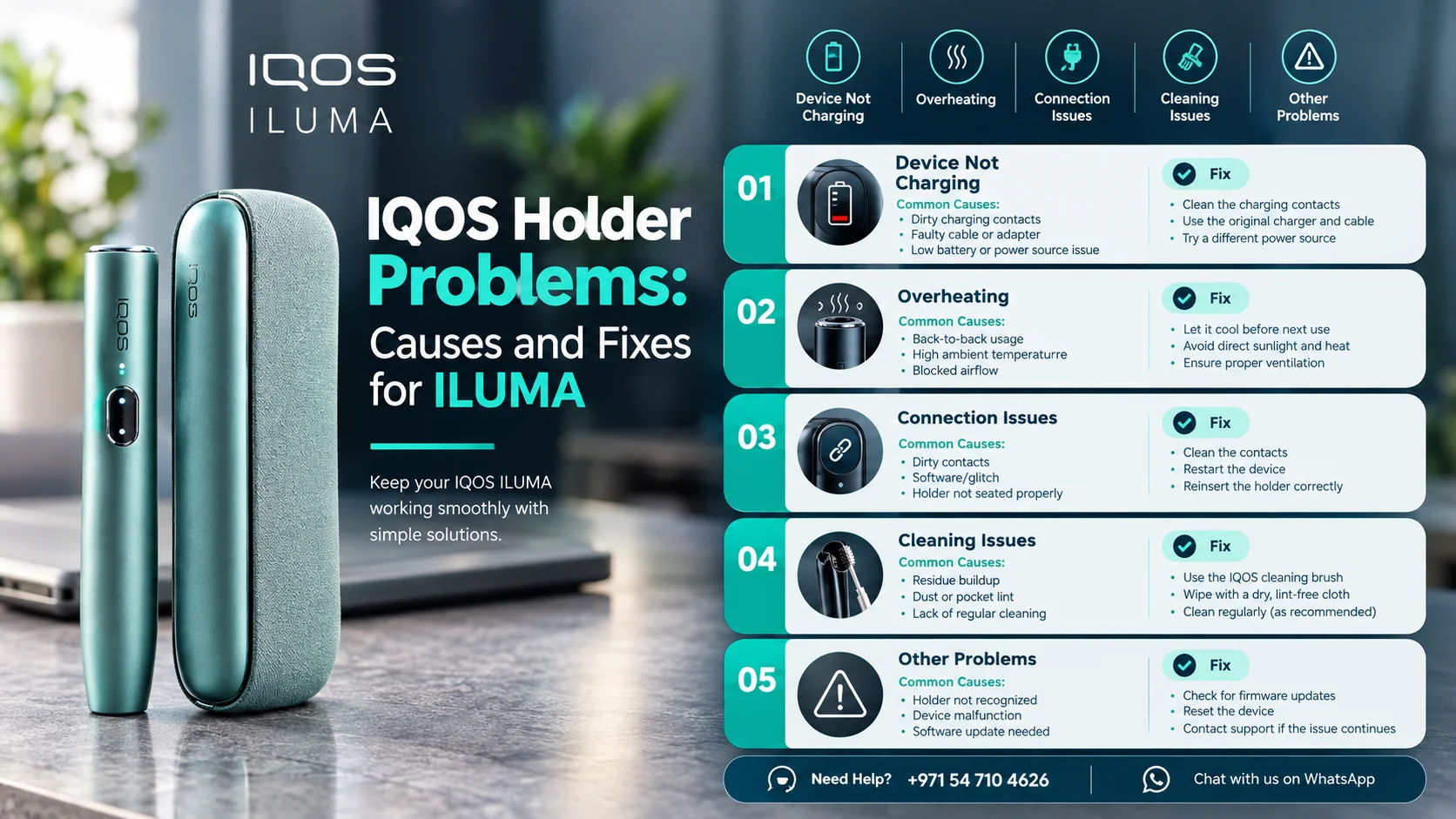
Most IQOS ILUMA holder problems come down to charge, dirty contacts or heat. Charge it, clean the contacts, and keep it within 0°C to 50°C (ILUMA i: 0°C to 40°C). If it blinks red, hold the pocket charger button for 10 seconds, then read our ILUMA troubleshooting guide if it’s dead.
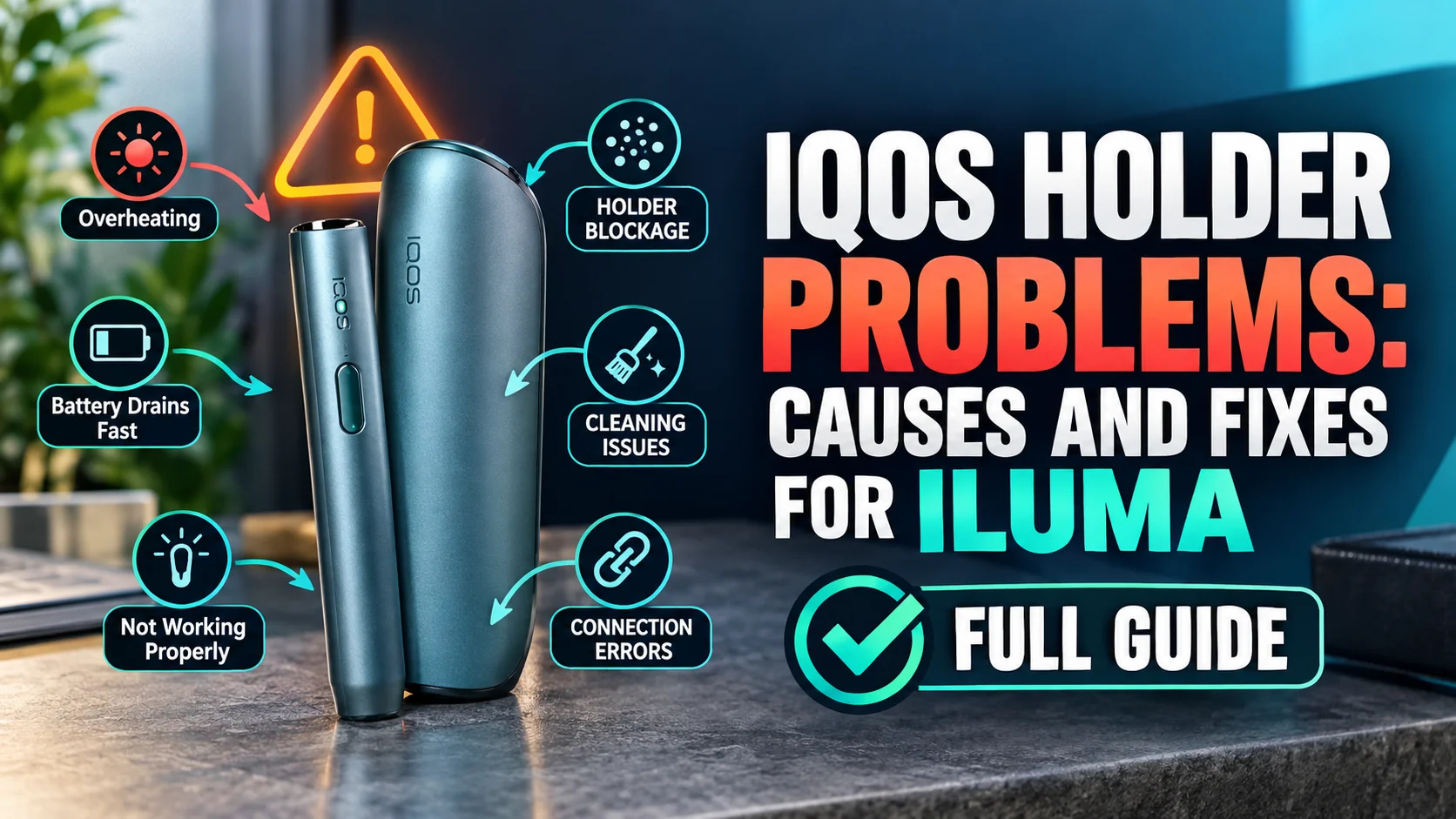
What Are the Most Common IQOS ILUMA Holder Problems?
The most common IQOS ILUMA holder problems are slow charging, no heating, blinking lights, extra heat and a holder that won’t respond. Most trace back to dirty contacts, a low charge, loose stick pieces or the wrong charger. A true hardware fault is rarer, and we show how to spot it.
Think of the holder as the engine and the pocket charger as the fuel tank. When one acts up, people often blame the other. We sort the symptoms first, then the fixes.
| Symptom | Likely cause | First fix |
|---|---|---|
| Slow charging | Dirty contacts or a non-official cable | Clean the contacts and use the official cable and adapter |
| No heating | Low charge or debris in the chamber | Charge the holder and check the chamber for loose pieces |
| Three white blinks | Temperature out of range | Move the holder somewhere within range and retry |
| Eight white blinks | Charge for only one more session | Place it in a charged pocket charger |
| Red blink or no response | Error state | Press the pocket charger button for 10 seconds with the holder inside |
| No vibration | Vibration off, missed, or a fault | Check whether vibration is turned off, then test again |
Why Is My IQOS ILUMA Holder Not Heating?
An IQOS ILUMA holder usually won’t heat because its charge is low, its contacts are dirty, or loose debris sits in the heating chamber. Charge it in a charged pocket charger, clean the contacts, then check the chamber. Use only TEREA sticks, because other sticks can damage the device.
Start with the charge. A holder that shows eight white blinks can manage only one more session. It needs a full charge, not a repair.
An empty pocket charger can take up to 20 minutes to show a charging light. A full charge of the ILUMA Prime pocket charger takes 2 hours and 15 minutes.
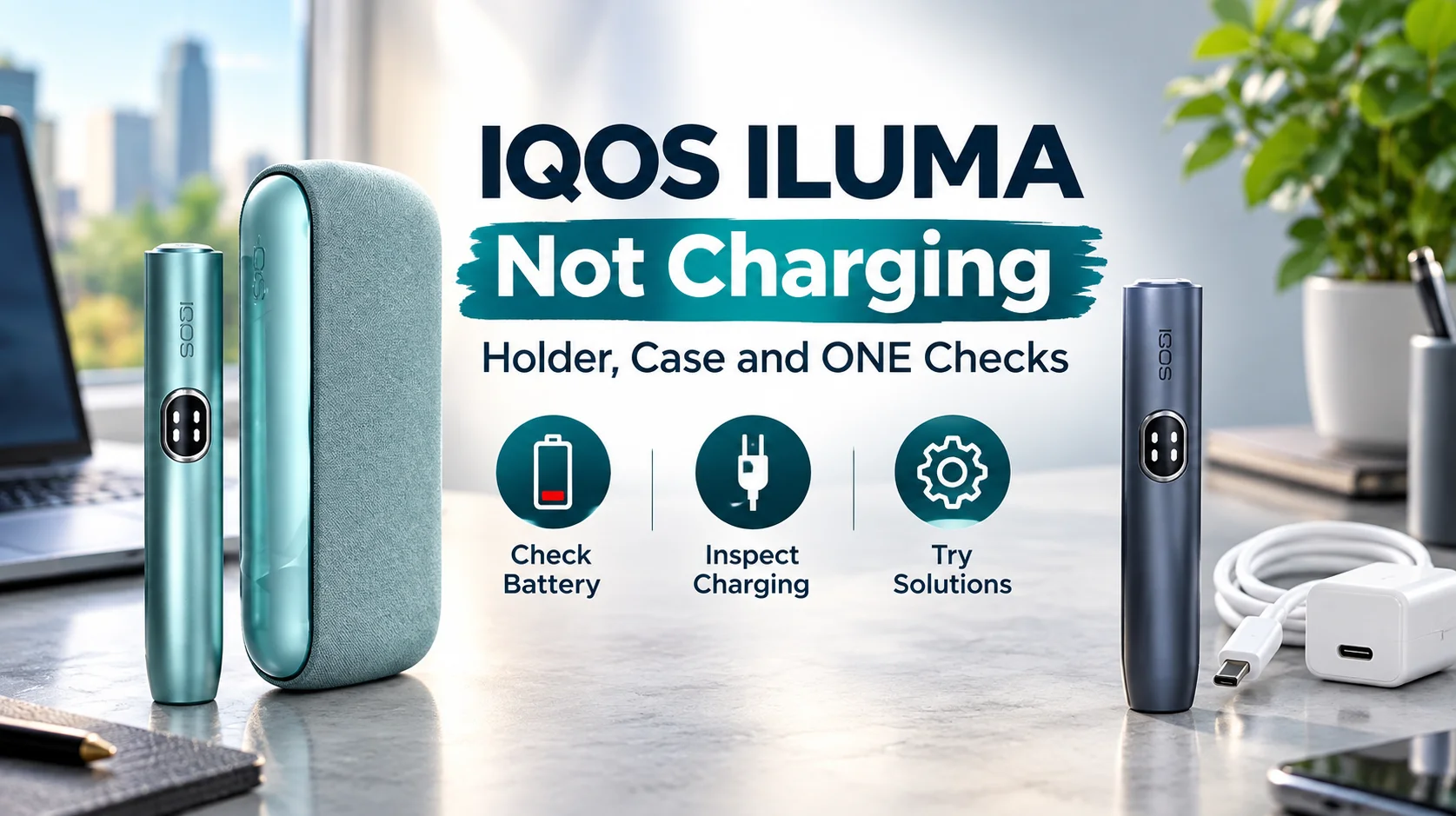
- Place the holder in a charged pocket charger and wait for the charging lights.
- Clean the contacts on both the holder and the pocket charger.
- Look into the heating chamber for broken stick pieces or other debris.
- Insert a fresh TEREA stick and start a session.
Loose pieces cause most chamber trouble. Our guide on removing a broken TEREA stick shows the safe method. Never push sharp objects into the chamber.
Is the heat weak rather than missing? Our guide to ILUMA vapor fixes covers that case.
Why Does My IQOS ILUMA Holder Get Hot?
An IQOS ILUMA holder normally gets warm during use, and its aluminum body can feel warmer than some older plastic holders. The heat gathers around the top, so hold the holder lower down. Use only the official cable and adapter, and keep the device inside its temperature range.
The range depends on the model. IQOS lists 0°C to 50°C for ILUMA and 0°C to 40°C for ILUMA i. Don’t leave the holder in a parked car or in direct sun.
| Model | Operating range | If it’s outside the range |
|---|---|---|
| IQOS ILUMA | 0°C to 50°C | Three white blinks signal it. Let the holder return to range, then retry. |
| IQOS ILUMA i | 0°C to 40°C | Move the holder somewhere within range, then retry. |
How Do I Know If My IQOS ILUMA Holder Is Defective?
An IQOS ILUMA holder is likely defective when it stays dead after a full charge, clean contacts, an empty chamber and a 10-second reset. We also treat a red light that returns after every reset as a fault. At that point, stop troubleshooting and arrange a replacement.
| Symptom | A home fix works when | Likely fault when |
|---|---|---|
| Charging | Slow charging clears after you clean the contacts | No lights after a full charge on the official cable |
| Errors | The red blink clears after the 10-second reset | The red blink returns after every reset |
| Heating | A session starts once the chamber is clear | No heating with a clean chamber and a full charge |
| Vibration | Vibration was turned off | No vibration on a charged holder with vibration on |
IQOS says a missing vibration on a charged holder can point to a malfunction. The official reset is simple. Place the holder in the pocket charger and press the pocket charger button for 10 seconds.
We don’t recommend opening the holder, because that can void any remaining warranty.
For the ILUMA i, IQOS’s own support page tells owners with a broken holder to contact IQOS or visit an IQOS store. We’re an independent retailer, so send us your order details for our warranty check.
What Should I Do If My IQOS ILUMA Holder Is Defective?
If your IQOS ILUMA holder is defective, send us your order details so we can check warranty eligibility, or order a genuine replacement. We offer same-day replacement in Dubai, Sharjah and Ajman. Our support team can confirm which option fits your device.
Our IQOS ILUMA repair and replacement service page walks you through the options. You can message support on our contact page. Choose your model from the IQOS ILUMA range in Dubai.
Have your order details ready, because that speeds up the warranty check. Check our delivery page for coverage and timing.
Which Sticks and Chargers Keep an ILUMA Holder Working?
Genuine TEREA sticks and the official IQOS cable and adapter keep an ILUMA holder working as designed. IQOS states that ILUMA is made for TEREA sticks only, and that sticks from older IQOS generations may damage the device. Use the manufacturer-approved cable and adapter whenever you charge.
Browse our TEREA flavors range for sticks made for ILUMA holders. Three habits keep problems away.
- Clean the contacts on the holder and pocket charger when charging slows.
- Let each stick finish pre-heating, and don’t pull it out mid-session.
- Use official cleaning tools to remove buildup.
Frequently Asked Questions
Why is my IQOS holder not working?
An IQOS ILUMA holder that isn’t working usually has a low charge, dirty contacts or an error state. Charge it, clean the contacts, then place it in the pocket charger and press the button for 10 seconds. If nothing changes, it may be a hardware fault.
Why is my IQOS holder not vibrating?
An ILUMA holder gives one vibration when heating starts. If a charged holder doesn’t vibrate, IQOS says the cause may be a malfunction, a vibration you didn’t notice, or the feature being turned off. Check the setting first, then test with a fresh TEREA stick.
Does a hot IQOS ILUMA holder mean it’s defective?
No. An IQOS ILUMA holder normally gets warm during use, mostly around the top, so hold it lower down. If it occasionally runs hotter than usual, check that you’re using the official cable and keeping it within its temperature range.
Can I repair an IQOS ILUMA holder myself?
No. We don’t recommend opening an IQOS ILUMA holder, because the heating chamber is sealed and opening it can void any remaining warranty. Clean the contacts, check the chamber for debris, then contact us for a warranty check or a genuine replacement.
Do these fixes work for the ILUMA One?
Partly. The IQOS ILUMA One is a single-unit device, so there’s no pocket charger to reset it in. If its lights look unusual, let it recharge fully with the official power adaptor, and contact us with your order details if problems continue.
What do three and eight white blinks mean?
Three blinking white lights mean the holder is outside its temperature range, so move it somewhere within range. Eight blinking white lights mean it can manage only one more session, so place it in a charged pocket charger. A red blink calls for the 10-second pocket charger reset.
For adult smokers of legal age only.